Accurate prompt-following model option
Use it for product concepts, text-heavy layouts, mockups, and commercial visuals that need clean structure.
Aspect Ratio
Resolution
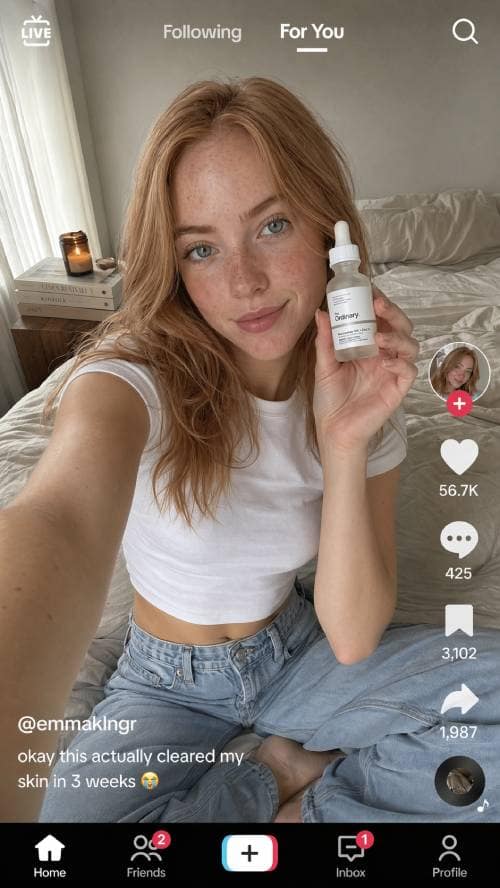
Create stunning images from simple prompts using GPT Image 2, Nano Banana 2, Flux 2, and GPT Image 1.5. Choose the best model for your style, compare results, and refine your image in one workspace.
Multi-model generation
FlowCanvas is not a single-model prompt box. Choose the model that fits the job, compare outputs, and continue refining your strongest result in the same workspace.
Use it for product concepts, text-heavy layouts, mockups, and commercial visuals that need clean structure.
Turn short ideas into lively characters, illustrations, posters, and social visuals with a stronger creative accent.
Build cinematic scenes, crisp editorial images, and high-detail visuals when framing matters as much as style.
Explore ideas quickly, create lower-cost variations, and move promising results into a higher-quality pass.
Use cases
Turn rough ideas into usable creative assets for product launches, campaigns, character worlds, moodboards, and daily social content. The workflow is built for exploration first and production-ready output second.
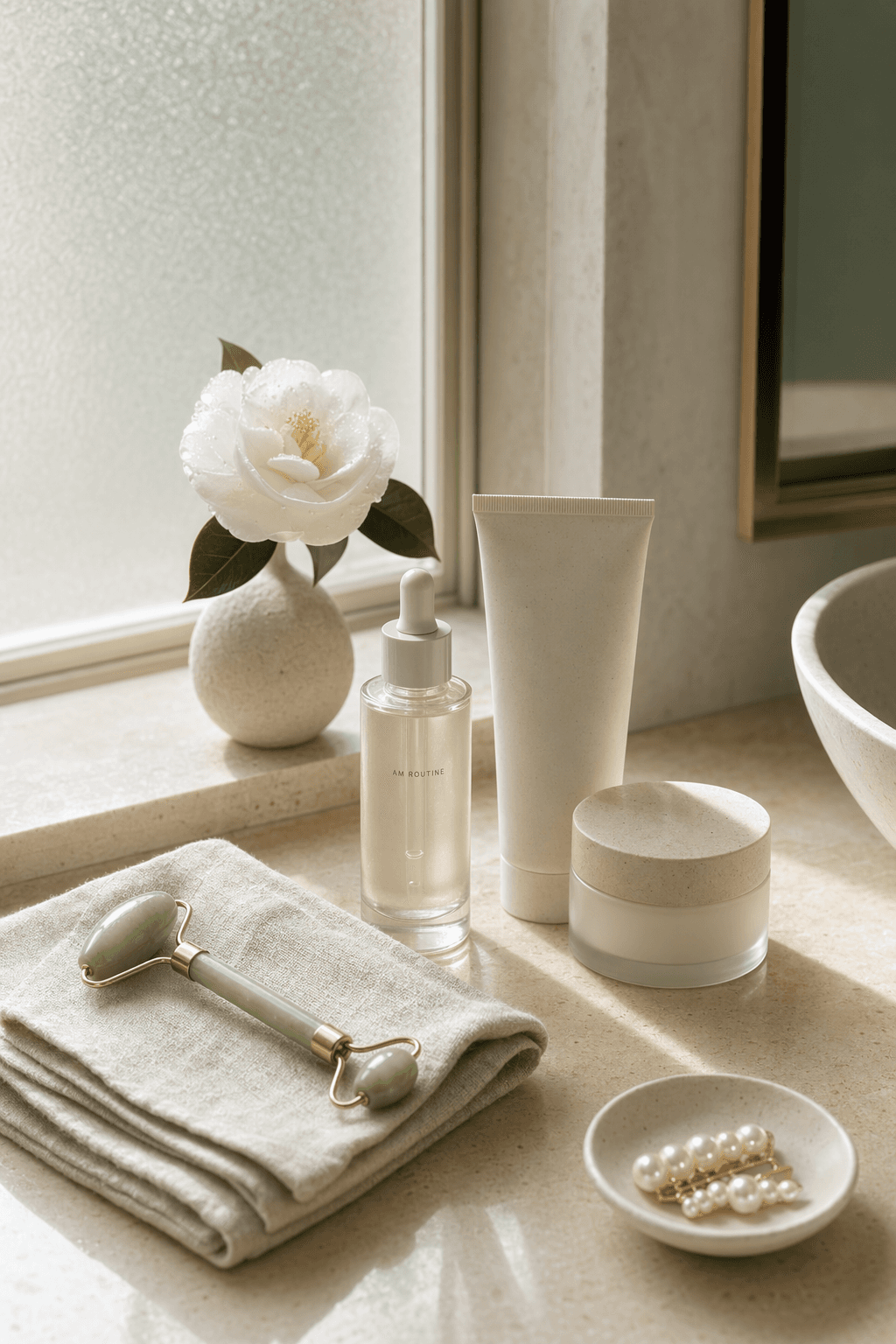
Create ecommerce scenes, packaging concepts, launch visuals, and ad creatives without waiting on a photoshoot.
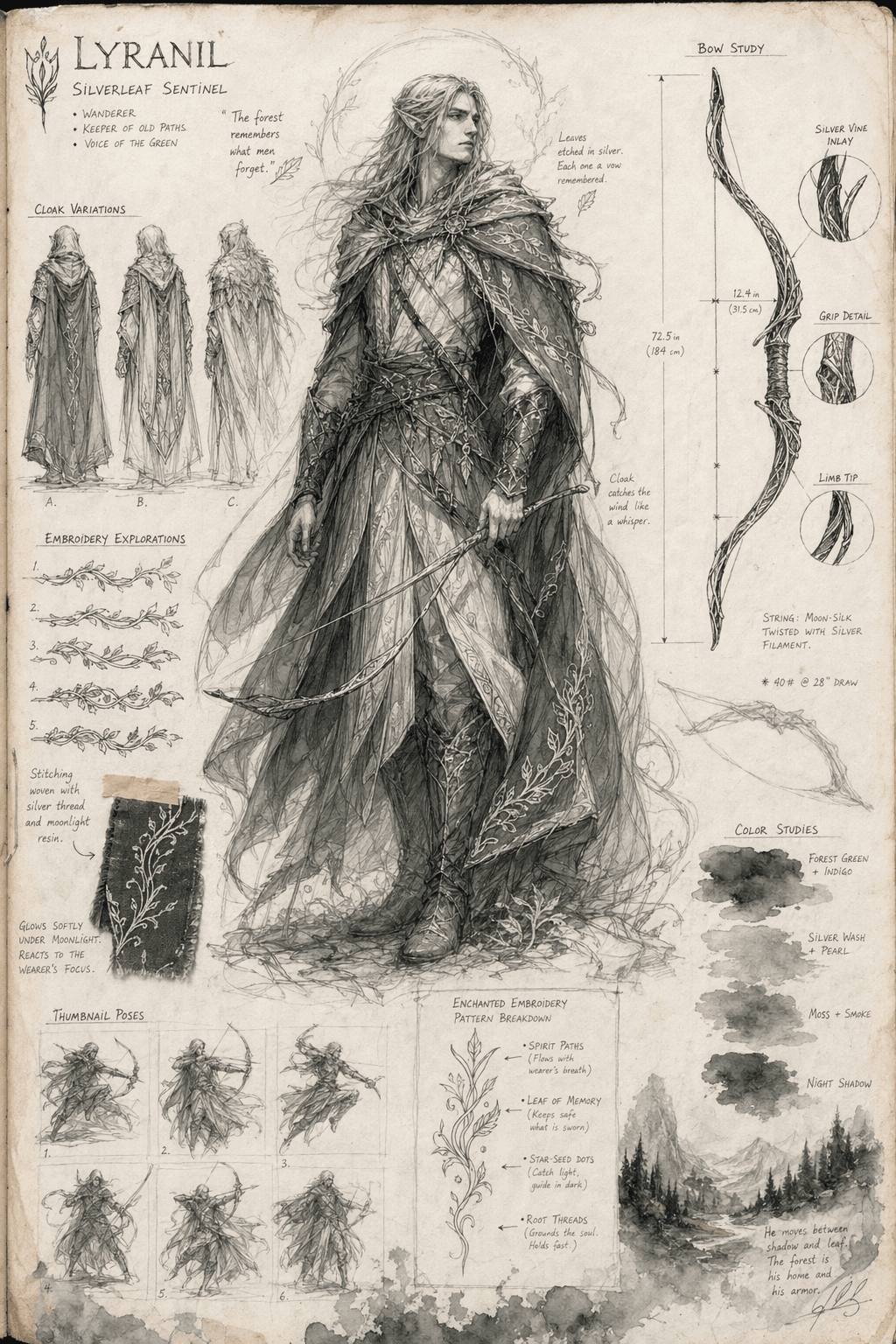
Generate avatars, game concepts, children’s book scenes, mascots, and stylized character sheets.
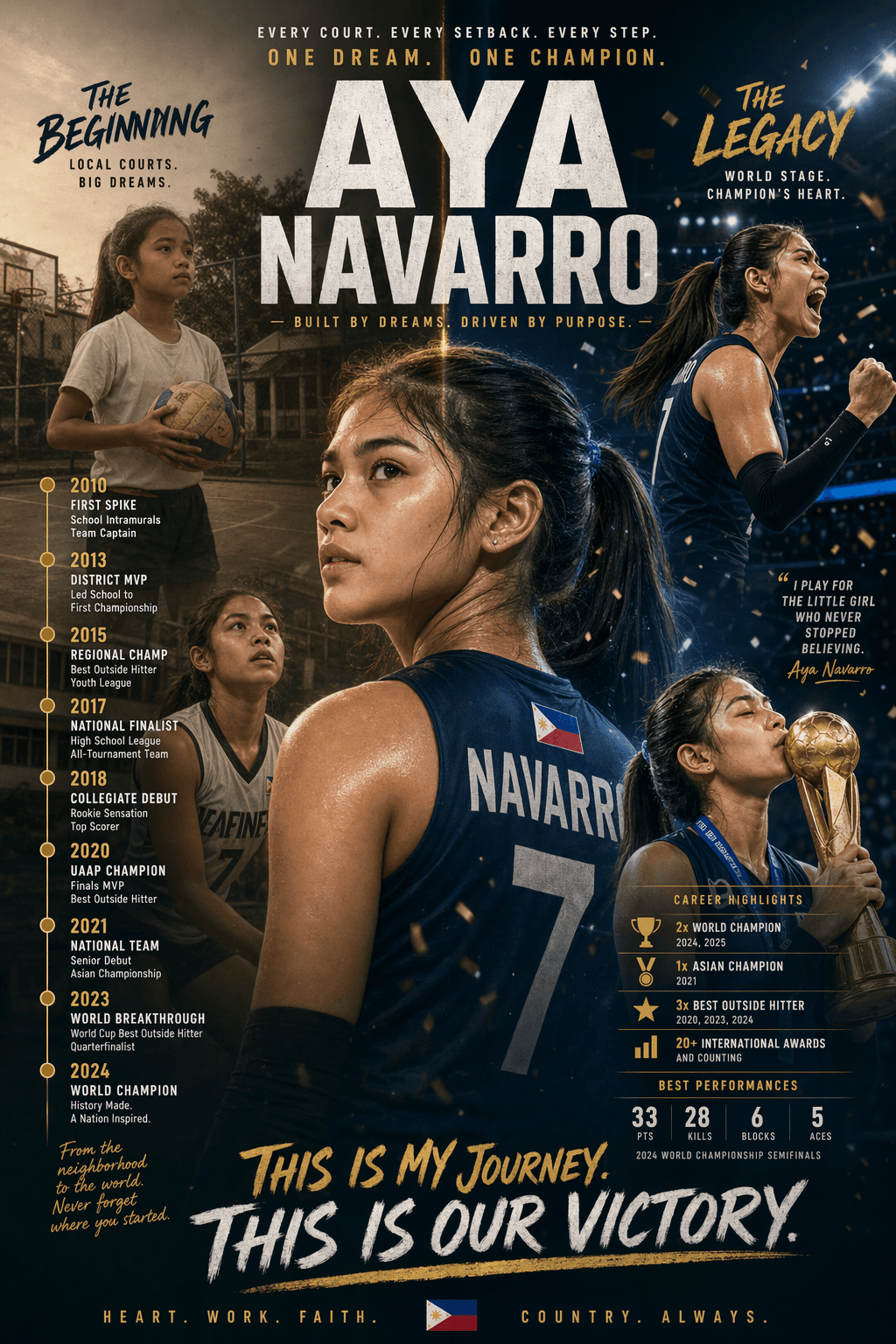
Make thumbnails, story graphics, profile banners, campaign posters, and daily content variations.
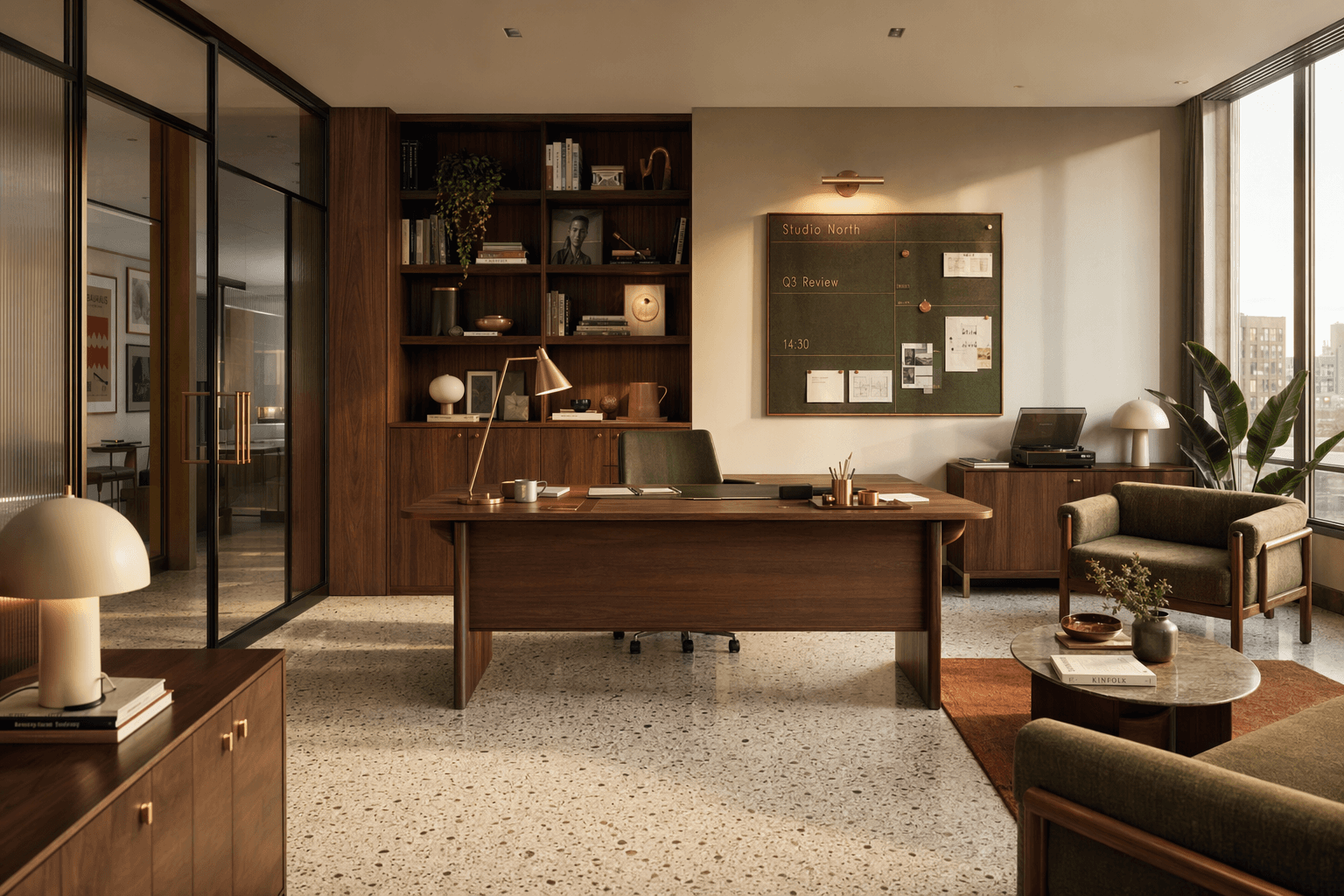
Explore interiors, environments, brand worlds, cinematic frames, and design directions before production.
Workflow
Start with a prompt, make a model choice on purpose, then refine the best version instead of guessing in a disconnected toolchain.
Pick the engine that matches the job: accuracy, style, detail, speed, or a cheaper draft pass.
Describe the subject, setting, lighting, camera, art direction, and the specific details that matter.
Set aspect ratio, resolution, output format, and generation mode before spending credits.
Compare model outputs side by side, keep the strongest result, then continue editing with Image to Image.
Why FlowCanvas
Competitors focus on producing one image. FlowCanvas focuses on the full decision loop: choose a model, compare the output, refine the winner, and keep useful prompts organized.
Run the same idea through GPT Image 2, Nano Banana 2, Flux 2, and GPT Image 1.5 without switching tools.
Start from text, then keep working with references, edits, and model changes until the image is usable.
Instead of a wall of model names, FlowCanvas helps you choose the right engine for the result you want.
Use lighter settings for exploration, then move final candidates to stronger models and higher resolutions.
Product shots, portraits, posters, interiors, ads, wallpapers, and character prompts are ready to adapt.
Keep generated images, useful prompts, and iteration history together so good ideas stay findable.
Prompt craft
Good prompts are not long for the sake of being long. They give the model enough visual direction to make specific choices.
Name the main object clearly: a futuristic sneaker, a cozy coffee shop, a cinematic portrait.
Guide the feel with terms like photorealistic, anime, watercolor, luxury editorial, or minimal product shot.
Specify studio light, golden hour, 35mm lens, top-down view, macro detail, or dramatic shadows.
Call out unwanted details such as blurry output, distorted text, cluttered backgrounds, or extra objects.
Examples
Show the model, prompt, and aspect ratio with every result so creators can understand why an image worked and quickly try a nearby direction.
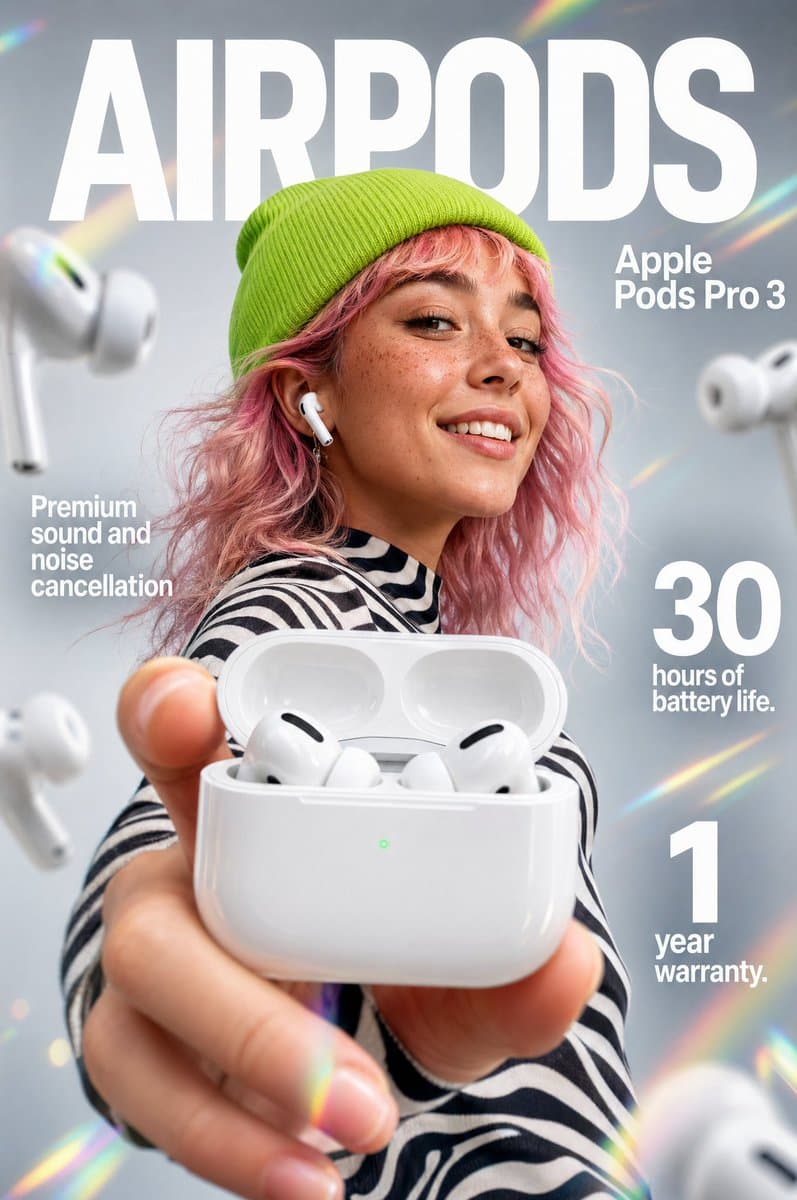
A premium glass skincare bottle on wet slate, soft studio light, subtle reflections, luxury editorial product photo.
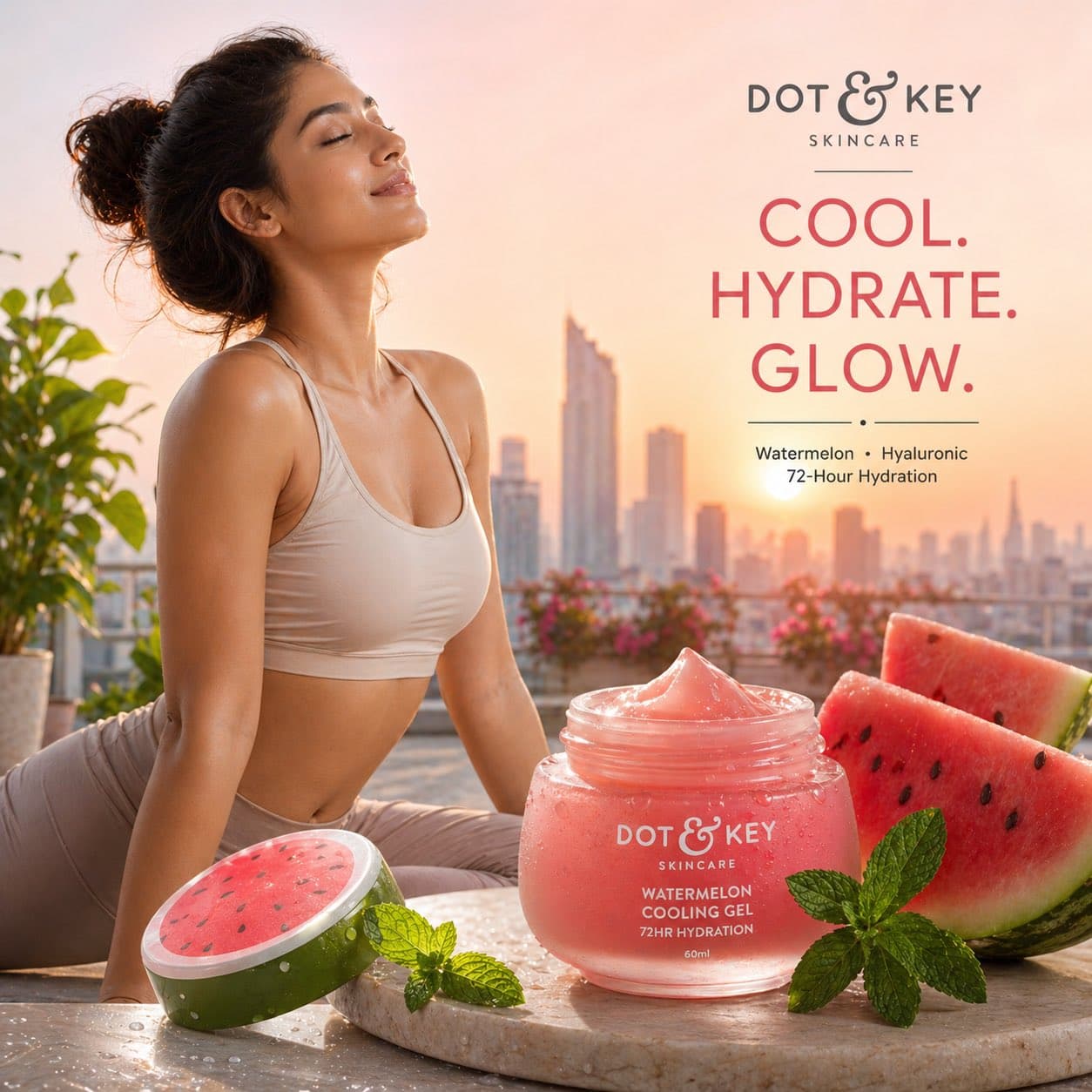
A confident cyberpunk courier with a translucent rain jacket, neon alley, expressive anime character sheet.
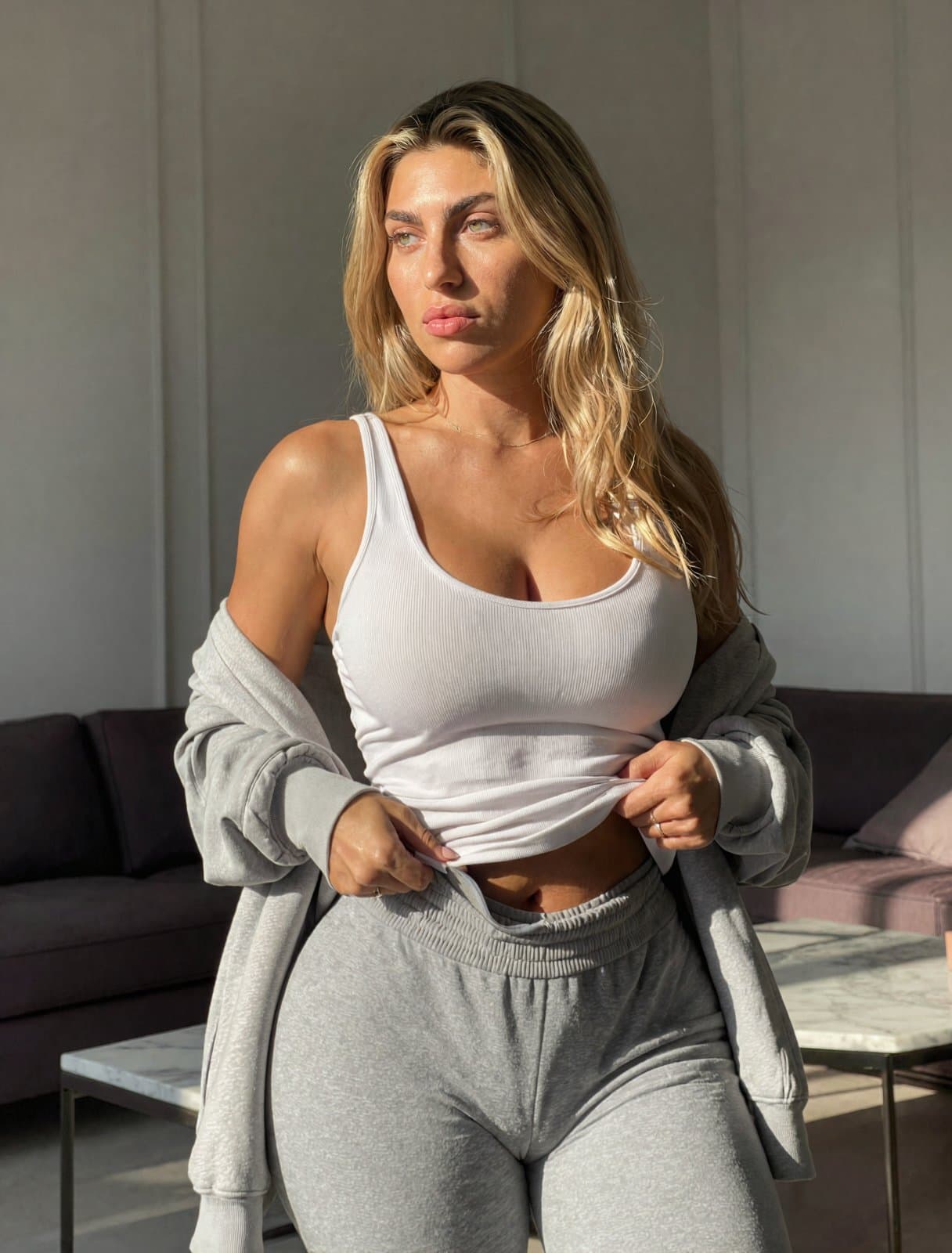
A cinematic portrait of a film director in a blue-lit editing room, shallow depth of field, detailed expression.
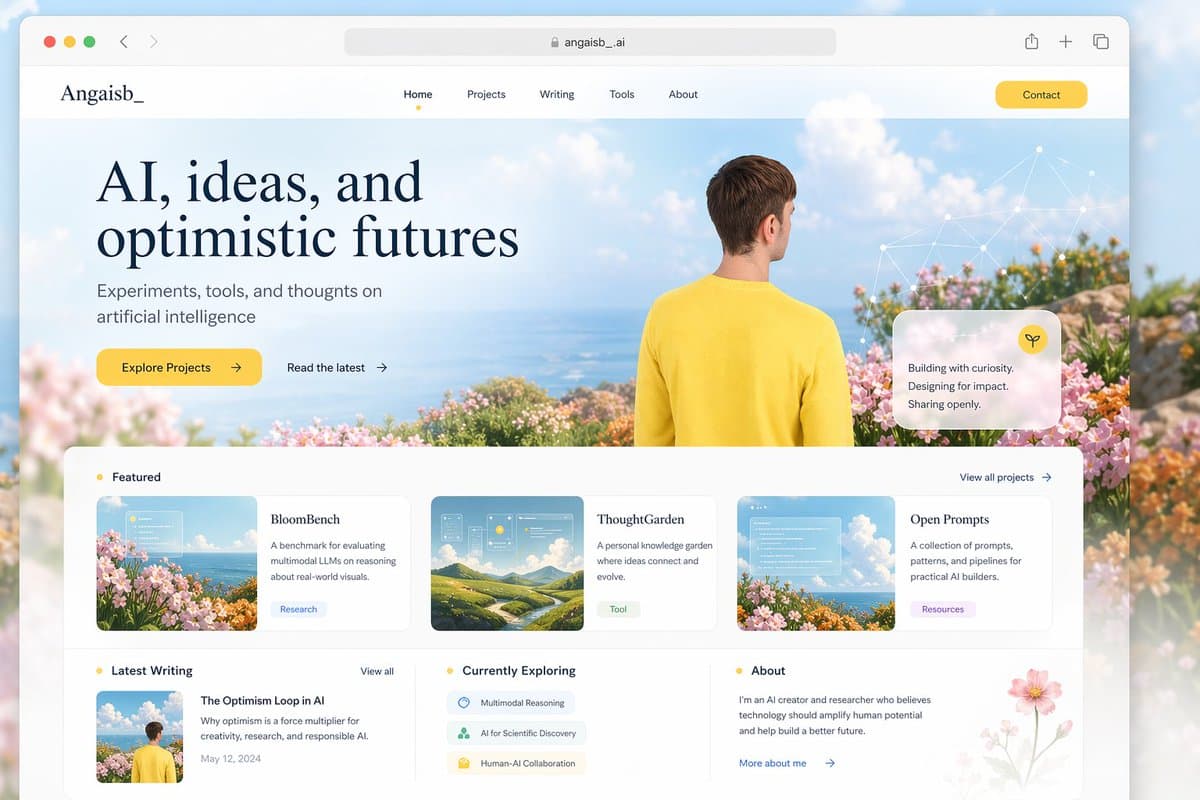
A clean social campaign visual for a summer music festival, bold composition, bright color accents, room for headline.
Use Text to Image when you are starting from an idea. Use Image to Image when you already have a reference and need to edit, restyle, or preserve important structure. The strongest workflow often combines both.
Describe the image when no reference exists.
Bring the best generation into an editing workflow.
Reuse prompts and references until the image fits.
Answers for choosing models, writing prompts, editing generated images, and using AI image results in real projects.
It is a creative tool that turns written prompts into images. You describe the subject, style, scene, and details, then the selected AI model generates a visual from that description.
Choose GPT Image 2 for prompt accuracy and structured layouts, Nano Banana 2 for expressive styles, Flux 2 for detailed composition, and GPT Image 1.5 for quick drafts.
Yes. The workflow is designed to move from Text to Image into Image to Image, so you can refine the result, reuse references, and keep improving the same visual direction.
Include the subject, setting, style, lighting, camera angle, composition, and any details to avoid. Specific prompts usually produce more controllable results.
Commercial use depends on your plan, the model used, and the content of the prompt. Review the current terms before using generated images in paid campaigns or products.
No. You can start with plain language prompts, then use model choice, templates, aspect ratios, and refinement tools to shape the result.
Turn your ideas into polished images with multiple AI models, clear settings, reusable prompts, and an editing workflow that keeps moving after generation.