Flux 2

Production-grade photoreal image generation with near-perfect prompt adherence, studio-quality lighting, and clean in-image text rendering. Flux 2 is built for commercial campaigns, product hero shots, and advertising art that holds up under close inspection.

3-5s GenerationText to ImageImage to ImageUp to 4K Resolution
0/5000
Model:
Credits required: 1
Sample Artwork 1Sample Artwork 2Sample Artwork 3
INSPIRATION GALLERY

What is Flux 2?

Flux 2 is Black Forest Labs' flagship production model. It moves beyond 'random AI art' by giving you the exact control a professional studio needs: feed it up to 10 reference images to lock in your character's face or product style, input your exact brand hex colors, and get back 4MP photorealistic images that look like an expensive photo shoot.

Same Face & Style Every Time

Upload up to 10 reference images to lock the identity of your character or product. Generate an entire campaign series where your subject looks exactly the same in every single shot.

Nail Your Exact Brand Colors

No more 'close enough' colors. Type in your brand's exact hex codes and Flux 2 delivers them with zero approximation, keeping your entire asset library strictly on-brand.

Studio-Quality 4MP Details

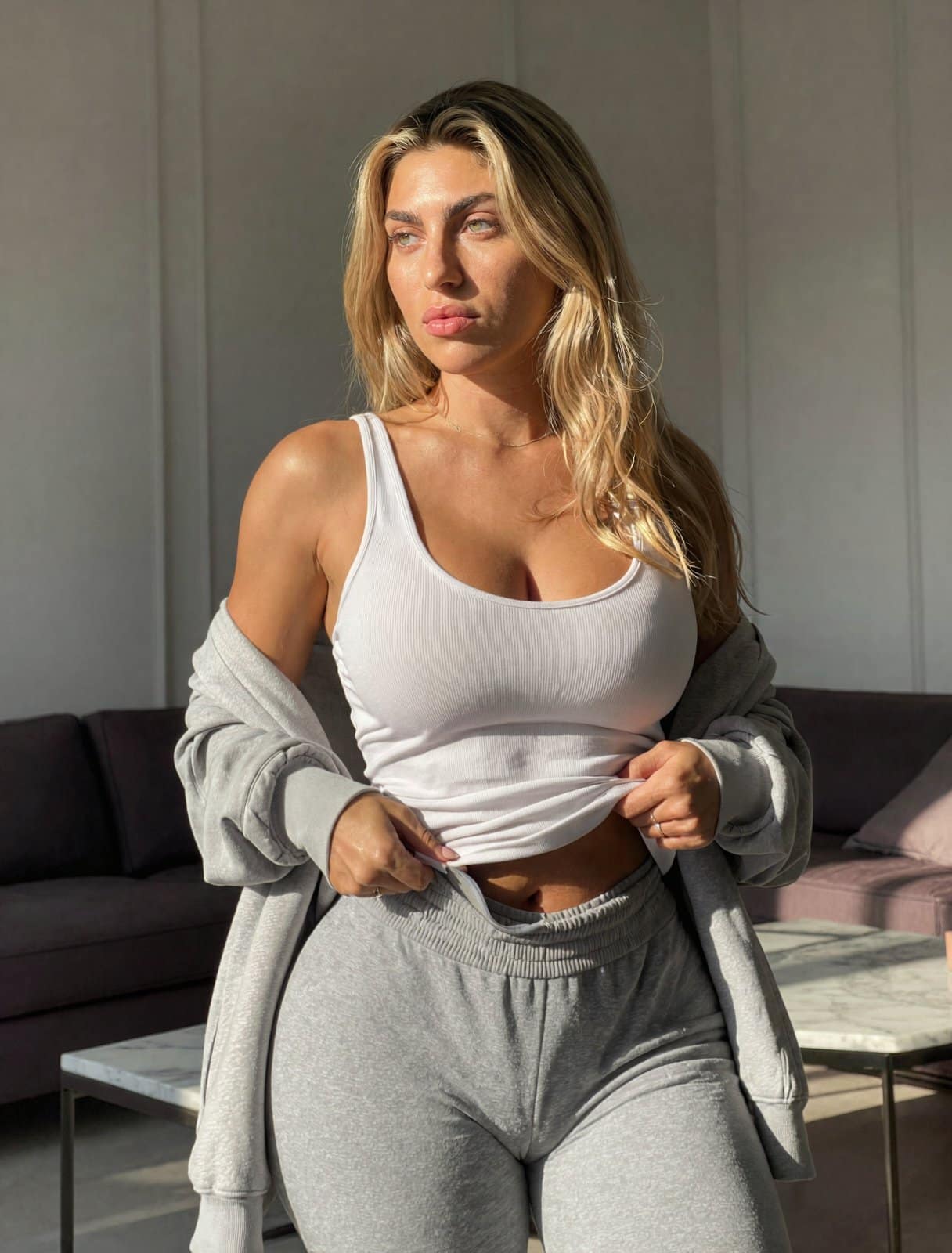
Renders skin textures, fabric weaves, and lighting with such physical accuracy that the output is regularly mistaken for controlled studio photography.

How to Use Flux 2

Discover how Flux 2's multi-reference control, 4MP photorealism, exact brand color matching, and batch-ready workflows power professional creative production at scale.

Multi-reference character & style consistency

Up to 10 reference images · Same character across batches · Style lock-in

Lock Character & Style Across Every Asset

Flux 2 accepts up to 10 reference images simultaneously — the strongest multi-reference support available today. Feed it your brand character, product, or visual style and it holds that identity faithfully across hundreds of outputs. No drift, no retraining. Use it to build campaign series, product catalogs, and seasonal collections where every image feels like it belongs to the same world.

Try now
Multi-reference character and style consistency across assets

4MP photorealism & detail quality

4MP output · Fabric & material textures · Closes the gap with photography

Generate 4MP Visuals That Rival Real Photography

Flux 2 outputs at up to 4 megapixels with unprecedented detail — fabric weave, skin texture, architectural surfaces, and product finishes that hold up under close inspection. Its spatial reasoning engine handles accurate lighting, realistic physics, and coherent perspective so the result looks photographed, not generated. Ideal for hero images, print campaigns, and product close-ups where quality under scrutiny matters.

Try now
4MP photorealistic detail output

Exact brand color & hex precision

Hex color input · Zero approximation · Brand system consistency

Match Brand Colors with Hex-Level Precision

Flux 2 lets you specify exact brand colors via hex codes and delivers them without approximation — no model-guessed tones, no color drift across a batch. Pair this with structured JSON prompting to encode brand guidelines, logo placement, lighting specs, and layout constraints directly into every generation. The result: on-brand output that clears creative review faster and scales without manual color correction.

Try now
Exact hex brand color matching and brand system output

Batch automation & API-ready workflows

Sub-10s generation · 32K token prompts · API pipeline integration

Run High-Volume Creative Pipelines at Speed

Flux 2 generates in under 10 seconds and accepts up to 32,000 text tokens per prompt — enough to encode a complete creative brief, brand guide, and technical spec in a single call. Connect it to your existing stack via API to automate generation, tagging, and delivery at scale. Teams use it to run continuous A/B creative tests, build ecommerce catalog variants, and ship seasonal updates across thousands of SKUs without touching a design tool.

Try now
Batch automation and high-volume API-driven creative pipeline

Why Creators Choose Flux 2

When a client needs a hero image that looks exactly like the brand and the actor they paid for, you don't roll the dice with AI — you use Flux 2.

Lock Your Brand with 10 References

Upload up to 10 images to define the exact character face, product shape, and art style. Flux 2 perfectly holds that identity across your entire batch without the AI "wandering" off-model.

Type Your Exact Brand Colors

Stop guessing if the AI will hit your brand's orange. Give Flux 2 exact hex codes and it renders them perfectly, keeping corporate identity strict and approvals fast.

4MP Details That Fool the Eye

Generate textures that actually hold up: the weave of a jacket, pores on a face, and microscopic reflections on glass. Output that rivals a professional photography studio.

Legible Product Labels & Type

Generate complex packaging labels, crisp poster headlines, and sharp infographic data directly into the image. It doesn't just "look like" text, it's spelled right and beautifully kerned.

Studio-Controlled Lighting

Ask for a softbox, a rim light, or golden hour shadows, and the model physically reasons out the light path. You get the exact mood of a controlled studio environment.

Sub-10s Automation

Connect your API and build massive ecommerce product variations, seasonal ad assets, and A/B test creatives — 4MP images out in seconds, without ever opening Photoshop.

Create with Flux 2 in 3 Simple Steps

When the brief is strict and you need the image to look like a high-end photo shoot, follow this repeatable process with Flux 2.

1

Step 1: Write Your Brief & Upload References

Don't just type keywords — write your actual art direction. Tell it you want rim lighting, an f/1.4 aperture, and your exact brand hex color. If you're building a campaign around a specific person or product, upload up to 10 reference photos to lock that identity.

2

Step 2: Review Your 4MP Renders

In under 10 seconds, Flux 2 will return visuals so sharp you can zoom in on the fabric threads. See how the layout looks, tweak your lighting instruction if needed, or adjust the framing without losing the core subject.

3

Step 3: Export & Batch Scale

Your output is clean, properly spelled, and ready to go live. Use the API to loop through your product list, swapping out the background 100 times while keeping the shadows and reflections physically accurate.

What the Community Says About Flux 2

Photographers, art directors, and brand teams share how Flux 2 raised the bar for AI image quality.

"The 10-image reference lock is what finally sold me. We shot a model once, uploaded 5 angles, and now we generate her in different outfits and locations. It genuinely looks like the same person every time."

Elena Russo
Elena Russo
Commercial Photographer

"I told the model to use #FF4500 for the product packaging. It gave me exactly #FF4500, not a muddy red. Being able to trust the exact brand colors coming out of the generator saves us hours of color correction."

Tom Nakamura
Tom Nakamura
Campaign Art Director

"Our product hero shots now come from Flux 2. Label text is sharp, fabric textures are unbelievably detailed at 4MP, and the studio lighting physically makes sense. It cut our photography turnaround in half."

Aisha Patel
Aisha Patel
E-commerce Brand Manager

Frequently Asked Questions

Got questions? We've got answers.